
Block, allow, or fast-track a number.
Decide what happens for specific callers before your AI even picks up — block spam, forward a VIP straight through, or always allow a trusted number.
Caller routing runs before the AI ever answers. Set a rule for a specific number, and that rule decides what happens — no AI, no screening, just the outcome you chose.
What routing does
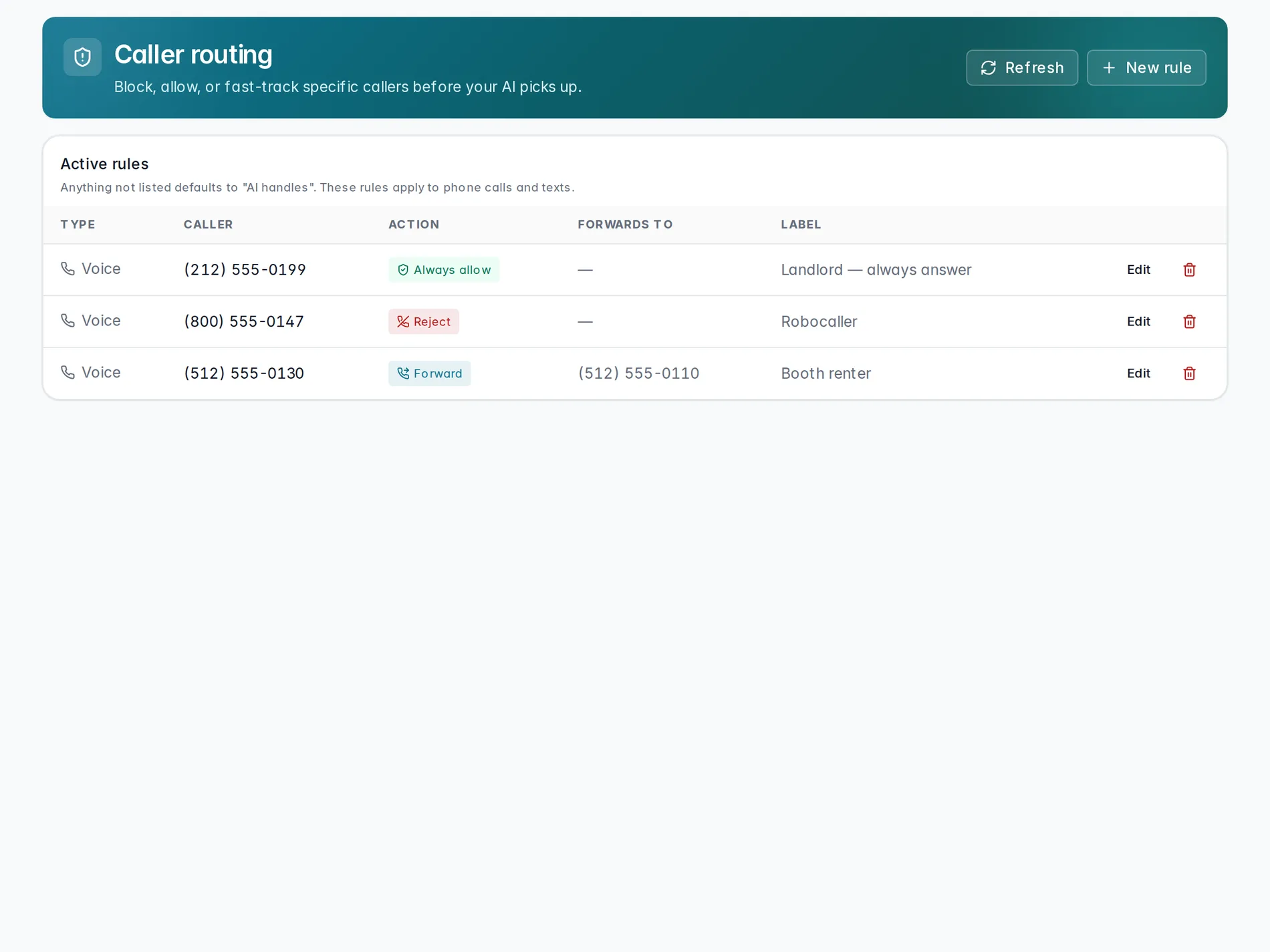
Caller routing checks the number that's calling or texting before your AI answers. If it matches a rule, that rule's action runs instead of the AI picking up. Any number without a rule defaults to AI handles — nothing changes for callers you haven't set a rule for.
Five things you can do
- AI handles — Default — the receptionist takes the call.
- Forward — Skip the AI and connect to a specific number.
- Take message — Take a quick message and notify you.
- Reject — Hang up immediately. Use for spam / blocked numbers.
- Always allow — Trusted caller — never screen as spam.
Add a rule
Hit New rule. Pick a Type — Voice or SMS — then enter the caller's number the rule should match. Choose an action — for Forward, you'll also add the number to forward to — and optionally add a label so you remember why later, like "Landlord" or "Robocaller." Caller routing covers both calls and texts; set the Type per rule to the channel it should apply to.
Watch it in action
A quick walkthrough of blocking a spam number:
Blocking a spam number
Add a rule, pick Reject, and confirm the AI never has to screen that call again.
Coming soonCaller routing decides what happens before the AI answers. Once it's on a live call, Handoffs decides when it should hand off to a person. And every call or text that does reach the AI — routed or not — lands in Conversations.
Still stuck? We answer fast.